A tor navigator gives you a private way to browse the web. It sends your traffic through several relays, so websites cannot see your real location. This guide explains what a tor navigator is, how to use a VPN, and when each tool fits your needs. You will also learn how to buy a virtual private network safely in the UK. In short, you will finish this guide with a clear plan for private browsing. It covers everyday privacy and stronger anonymity.
What Is Tor Navigator?
A tor navigator is the Tor Browser, a free browser that protects your privacy. People also call it Tor Browser, and both names mean the same tool. The Tor Project, a non-profit group, builds and maintains it. It looks like a normal browser, but it works in a very different way. Instead of a direct link to a website, it sends your traffic through the Tor network. As a result, websites see the last relay, not your real address.
How Tor Navigator Works
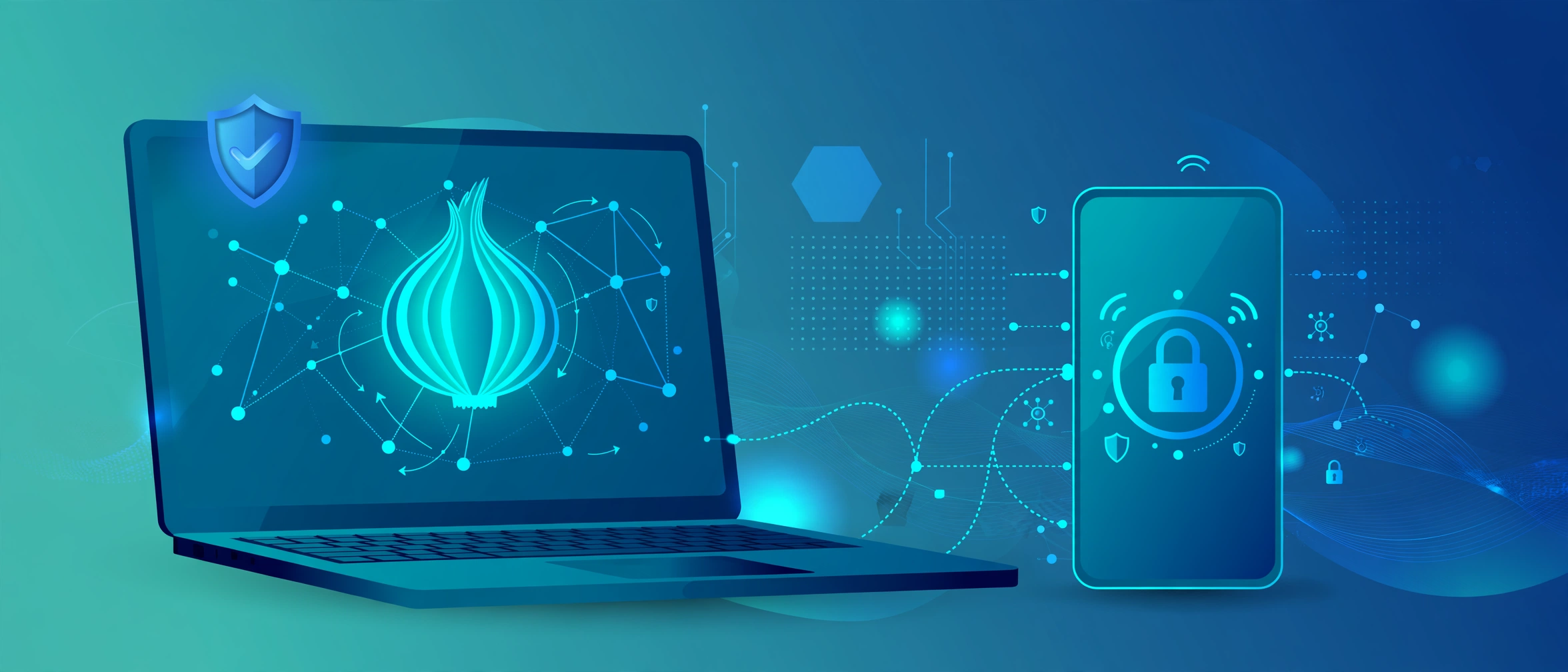
It routes your traffic through three relays: an entry relay, a middle relay, and an exit relay. Each relay knows only the step before it and the step after it. No single relay sees the full path, so no single relay can link you to the site you visit. In addition, it blocks many trackers, clears cookies when you close it, and lets you visit .onion sites. These sites run inside the Tor network, and normal browsers cannot open them. So the browser suits anyone who wants strong privacy, from journalists to everyday readers.
Using Tor is legal in the UK. The browser itself breaks no law, and millions of people use it for honest reasons. However, the police can still act if you use it for crime, just as they can with any tool. So use it for privacy, not for wrongdoing.
Download Tor only from the official Tor Project website. Fake copies can carry malware, and they can steal your data. The real download is free, and it needs no account. So grab it from the source, not from a random link.
How to Use a VPN
A VPN, or virtual private network, creates a private tunnel for your internet traffic. It encrypts your data, hides your real IP address, and lets you pick a server location. Your internet provider sees only the encrypted tunnel, not the sites you visit. As a result, a VPN suits public Wi-Fi, travel, and everyday privacy at home.
Here is how to use a VPN in five simple steps:
- Choose a VPN with a clear no-logs policy, UK servers, and a kill switch.
- Install the official app on your phone, laptop, or tablet.
- Sign in with your account details.
- Pick a server location, often the UK for the fastest speeds.
- Switch the VPN on, then browse as normal.
Check that the VPN works. First, note your IP address before you connect. Next, connect the VPN and check the address again. If the address changed, the VPN works. In addition, test for leaks with a free leak-test tool. A good VPN shows no real IP address and no real location. Finally, switch on the kill switch. It blocks your internet if the VPN drops, so your real address never leaks.
Public Wi-Fi deserves extra care. Cafes, airports, and hotels run open networks, and strangers can watch traffic on them. A VPN encrypts your traffic on these networks, so snoopers see only scrambled data. So switch the VPN on before you join any public network.
A VPN encrypts your traffic, but it cannot spot a scam email or a fake login page. For that threat, read our guide to phishing scams.
Tor Navigator vs VPN: Which One Should You Use?
Tor and a VPN both protect your privacy, but they serve different needs. A VPN runs faster, suits streaming and daily browsing, and hides your traffic from your internet provider. Tor runs slower, but it hides your traffic from far more eyes. So pick the tool that fits the task, not the tool that sounds stronger.
Use this quick comparison:
- Speed: a VPN wins, because Tor routes traffic through three relays.
- Anonymity: Tor wins, because no single relay sees the full path.
- Ease of use: a VPN wins, because you switch it on and browse as normal.
- Streaming and banking: a VPN wins, because many sites block Tor exit nodes.
- Strong privacy: Tor wins, because it also blocks trackers and clears cookies.
Cost also differs. A VPN needs a paid plan, while Tor costs nothing. So a VPN suits people who want speed and support, and Tor suits people who want free, strong privacy.
In short, use a VPN for everyday privacy and a tor navigator when you need stronger anonymity. Some people use both, and the FAQs below explain how that works.
How to Buy a Virtual Private Network Safely
A virtual private network buy starts with a checklist, not a price tag. First, read the privacy policy. A good provider keeps no logs of your activity, and it states this policy in plain words. Next, check for an independent audit. An audit means outside experts checked the no-logs claim, and that check adds real trust. Also look for UK servers, a kill switch, and apps for your devices. In addition, check the payment options and the refund policy. A clear refund policy shows confidence, and it lets you test the service without risk.
Avoid free VPNs that promise everything for nothing. A free service still pays its bills, and it often pays them with your data. It may log your browsing, inject adverts, or sell your details to advertisers. As a result, a free VPN can harm your privacy more than no VPN at all. So treat a free VPN with suspicion, and pick a paid service with a clear policy instead.
Some providers offer a short trial or a money-back window. Use that window to test speeds, check the app, and try the kill switch. If the service feels slow or clumsy, cancel it and try another one. In short, a test run beats a blind buy.
Before you buy a virtual private network, compare a few providers side by side. Read recent reviews, check the server list, and test the app with a short plan if one exists. In short, the cheapest option rarely wins, and the clearest privacy policy usually does.
Tor Navigator: When It Does Not Help
Tor cannot fix every privacy problem. First, it runs slower than a normal browser, because three relays add delay. Video calls and large downloads can frustrate you. Next, many websites block Tor exit nodes, so some pages refuse to load. Banks may also flag Tor logins as suspicious, and they may lock your account until you prove who you are. In addition, Tor cannot protect you from malware or phishing. A malicious download still harms your device, and a fake login page still steals your password. So pair Tor with antivirus software, strong passwords, and careful clicking. In short, treat it as one layer of defence, not a full shield.
Tor also struggles with large files. Downloads crawl, and video streams buffer often. So use a VPN for big downloads, and save Tor for reading and messaging.
Frequently Asked Questions
Is Tor legal in the UK?
Yes. Tor is legal in the UK, and you can download and use it without breaking any law. However, the police can still act if you use it for crime, just as they can with a normal browser.
Is a VPN legal in the UK?
Yes. A VPN is legal in the UK, and many people use one for work, travel, and public Wi-Fi. However, a VPN does not make illegal acts legal, so use it for honest reasons only.
Can I use Tor Navigator and a VPN together?
Yes. You can run a VPN and then open Tor Navigator, so your internet provider sees only the VPN. Alternatively, some setups route Tor traffic through a VPN. Either way, expect slower speeds, because both tools add extra steps. For most people, one tool at a time works best.
Does a VPN make me fully anonymous?
No. A VPN hides your traffic from your internet provider and from websites. However, your VPN provider can still see your traffic. In addition, a VPN cannot hide you if you log into accounts with your real name. So a VPN adds privacy, but it does not grant full anonymity.
Is a free VPN safe?
A free VPN rarely protects your privacy well. It needs money to run servers, and it often earns that money from your data. It may log your browsing, show adverts, or sell your details. As a result, a paid VPN with a clear no-logs policy usually serves you better.
Tor Navigator: A Final Word
A tor navigator is one of the strongest privacy tools you can use, and a VPN covers your everyday needs. Pause before you click, pick the tool that fits the task, and keep your software updated. In short, small habits beat clever trackers, and Tor is one of the easiest strong-privacy habits to start.