
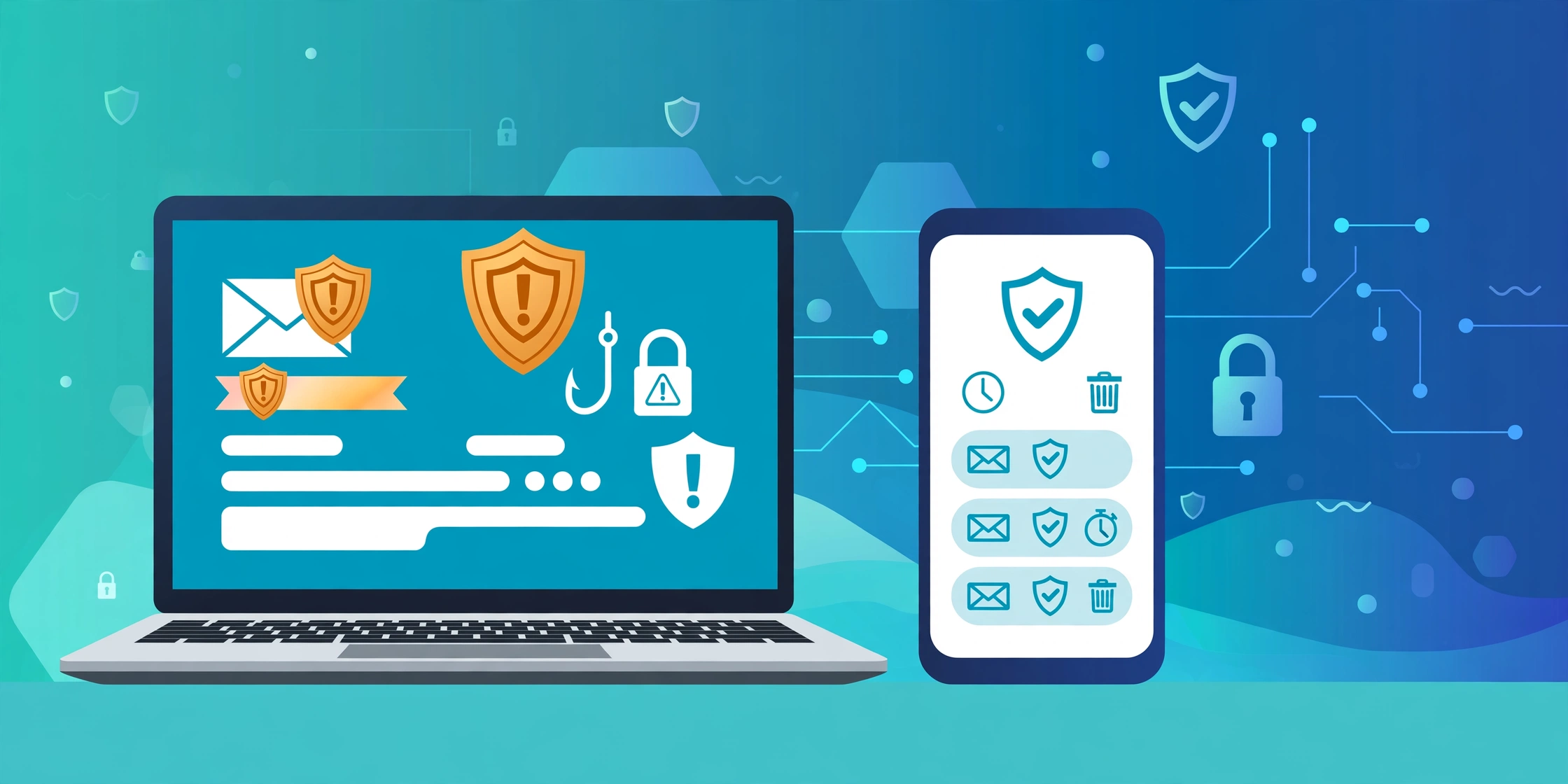
A disposable temporary email gives you a throwaway inbox for sign-ups, free trials and one-off downloads. You use it once, then you drop it. As a result, your real inbox stays clear of spam, and scammers never learn your main address. This guide explains how phishing scams work in the UK, how to spot a phishing link, what vishing means, and how a disposable temporary email fits into your defences. You will also learn how to run a domain check and what to do after an information breach. The advice below suits anyone who uses email, a smartphone or online banking. In short, you will finish this guide with a clear routine for safer clicks, safer calls and safer sign-ups.
What Is a Phishing Link?
So what is a phishing link in practice? It looks like a normal link, but it leads to a fake page. Scammers send it by email, text or social media, and the message often claims an urgent problem with your bank, delivery or tax account. For example, the text may say your parcel needs a fee, or your account faces closure today. The link then takes you to a page that copies a real login screen. If you type your password there, the scammer captures it at once.
Phishing scams succeed because they copy trusted brands so well. The logo looks right, the colours match, and the web address differs by one letter. Watch for these warning signs:
- Urgent language, such as “act now” or “account locked”
- A sender address that does not match the brand
- Odd spelling or grammar in the message
- A link that asks you to log in or pay a fee
- An unexpected attachment or QR code
If you spot one of these signs, stop. Do not click the link, and do not reply to the message. Instead, go to the real website yourself or ring the organisation on a number you trust.
Vishing Meaning and How Vishers Work
Vishing Meaning
The vishing meaning is simple: vishing means voice phishing, a scam that uses phone calls instead of links. Vishers ring you, pose as your bank, HMRC or a delivery firm, and push you to act fast. For instance, they may claim fraud on your account and ask you to move money to a safe account. In reality, no bank ever asks you to do that. If a caller demands a transfer, hang up at once.
Vishers also target older people and busy workers, because both groups may act under pressure. They often call at odd hours, and they may spoof a real number so the call looks genuine. As a result, the number on your screen proves nothing. Treat every unexpected call as suspicious, and never share a one-time code with a caller.
Social Engineering: The Trick Behind the Call
Social engineering means manipulating people into giving up secrets, and it powers most phone scams. Vishers use fear, urgency and authority to bypass your judgement. For example, a caller may quote your name and address, then demand a one-time code. The details sound convincing, but the scammer likely bought them after an information breach. In addition, the caller may threaten arrest, a fine or account closure. Fear shuts down careful thought, and that is exactly the point. So slow down, hang up, and ring the organisation back on a number from its official website.
How a Disposable Temporary Email Helps
A disposable temporary email creates a short-lived inbox that you can abandon at any time. You give it to a website instead of your real address. The site sends its confirmation to the throwaway inbox, and you never expose your main email. In addition, a temp email address stops that website from passing your address to advertisers later. If the inbox starts to fill with junk, you simply delete it and make a new one.
A fake email generator works in a similar way. It creates a random address in seconds, with no sign-up and no password. For example, you can use a fake email generator for a free ebook, a discount code or a forum account. However, it has limits, and the sections below explain them.
When to Use a Disposable Temporary Email
Use a temp email address for low-risk sign-ups: newsletters, free trials, competitions, app downloads and one-off purchases from unfamiliar shops. For example, a competition entry rarely needs your real inbox, and a trial account rarely needs a lasting address. On the other hand, keep your real address for banking, work, HMRC, the NHS and any account that holds your money. In short, a disposable temporary email suits throwaway tasks, not important accounts.
Run a Domain Check Before You Click
A domain check takes seconds, and it can save you from a scam. First, look at the web address in full. Scammers often swap one letter, add a hyphen, or use a strange ending such as .top or .xyz. Next, compare the address with the real site. For instance, a genuine HMRC page sits on gov.uk, not on a random domain with hmrc in the name. If the address looks wrong, do not click.
You can also check a domain through a free lookup tool. Type the address into the tool, and it shows the registration date and the owner details. A domain that appeared yesterday deserves suspicion. In short, a quick domain check turns a risky click into an informed choice. Make it a habit, and phishing scams will find you a much harder target.
Three Quick Checks
Before you click any link, run these three checks:
- Read the sender address, not just the display name.
- Hover over the link and read the full address.
- Search for the organisation yourself instead of trusting the message.
What to Do After an Information Breach
An information breach exposes names, emails, passwords or card details to criminals. You may learn about it from a news story, a warning email or a strange login alert. Act fast, and follow these steps:
- Change the password on the affected account right away.
- Change the same password on any other account that shares it.
- Switch on two-factor authentication, so a stolen password alone cannot open your account.
- Check your bank statements for odd payments, and tell your bank at once if you spot one.
- Warn friends and family if scammers may now contact them in your name.
Also, check whether the breach exposed card details. If it did, ask your bank for a new card. In the UK, you can report the breach to the organisation involved, and you can report phishing to Action Fraud and the NCSC. The NCSC runs a free reporting service for suspicious emails and texts, and Action Fraud records the crime. As a result, your report helps the authorities warn others and shut down scam sites. For more practical advice, browse our cybersecurity guides.
Disposable Temporary Email: When It Does Not Help
A disposable temporary email suits one-off sign-ups, but it fails in other cases. For example, an online shop may block throwaway addresses at checkout. In addition, some services need a stable address for receipts, refunds and delivery updates. If you lose the inbox, you lose those messages too. Some sites also reject throwaway addresses outright, so keep a spare real address for those cases.
It also cannot hide your identity from a determined attacker. It shields your inbox, not your device or your network. So pair it with strong passwords, two-factor authentication and regular software updates. In short, treat it as one layer of defence, not a full shield.
Frequently Asked Questions
Can I use a disposable temporary email for banking?
No. Banks send security codes, statements and fraud alerts to your address, and a throwaway inbox may vanish before they arrive. So keep your real address for banking, and save a disposable temporary email for low-risk sign-ups.
Is a disposable temporary email legal in the UK?
Yes. A temp email address is legal when you use it for honest sign-ups. However, it becomes illegal if you use it to deceive someone, commit fraud or dodge the law. In short, the tool is legal, but the purpose must stay honest.
What is the difference between phishing and vishing?
Phishing uses fake links, emails or texts to steal your details, while vishing uses phone calls. Both rely on social engineering, so the same rule applies: pause, check, and never share codes or passwords with a stranger.
How do I run a domain check?
First, read the full web address and look for swapped letters, hyphens or odd endings. Next, compare it with the real site, and use a free lookup tool to check the registration date. If anything looks wrong, do not click.
What should I do if I clicked a phishing link?
First, close the page and do not type any details. Next, change the password for that account, switch on two-factor authentication, and scan your device with antivirus software. Finally, report the link to the NCSC and tell your bank if you entered card details.
Disposable Temporary Email: A Final Word
A throwaway inbox gives you a simple way to keep your real inbox private, and it pairs well with the habits in this guide. Pause before you click, check the domain, hang up on suspicious calls, and report scams to Action Fraud and the NCSC. In short, small habits beat clever scammers, and a disposable temporary email is one of the easiest habits to start.