This guide will explain SaaS in plain English. SaaS stands for software as a service. It means you use software over the internet instead of buying and installing it on your own computer. You pay a monthly or yearly fee, and the provider runs the software for you. This guide explains how it works, where your data lives, and how to use it safely.
In fact, you probably use SaaS every day without knowing it. Email, online banking, video streaming and office apps in a browser all run this way. This guide will explain SaaS step by step, so you can choose services with confidence and avoid common mistakes.
Explain SaaS in Plain English
To explain SaaS in one sentence: you rent software that lives on someone else’s computers. You open it in a browser or an app, and it works straight away. You do not install it, and you do not update it yourself. The provider handles updates, fixes and backups for you.
In short, SaaS software as a service means you rent the program instead of owning it. You pay for access, not for a copy. When you stop paying, you lose access. That is the main difference from old boxed software, which you bought once and kept.
For example, if you have ever asked what is a software in computer terms, here is the simple answer. Software is the set of programs that tells a computer what to do. A word processor is software. A web browser is software. SaaS is simply software that runs on a distant computer and reaches you through the internet.
How SaaS Works: Cloud Systems and Servers
To explain SaaS fully, you need to understand the cloud. The cloud is not a place in the sky. It is a network of powerful computers, called servers, that sit in secure buildings. These servers store programs and data, and they send them to you over the internet when you need them.
What Are Cloud Systems?
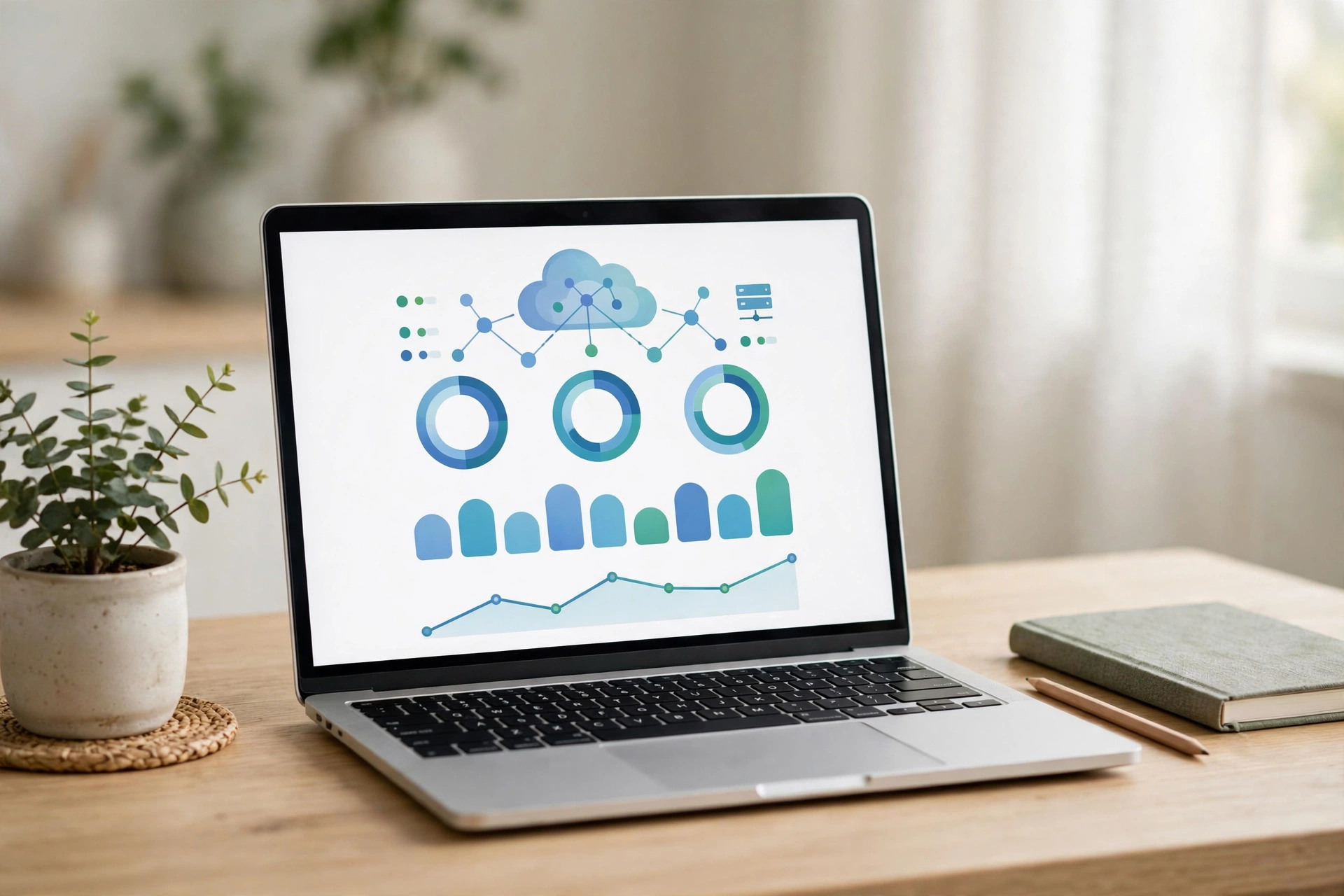
What are cloud systems? They are the servers, storage and networks that work together to deliver software and files online. For example, when you open a SaaS app, your request travels to a cloud system. The system runs the program and sends the result back to your screen. You see the app, but the hard work happens far away.
This is server-based computing. The server does the heavy work, while your device shows the result. Your laptop or phone does not need much power or storage. That is why a basic laptop can run modern apps with ease. The server carries the load.
Data Centres: Where Your Files Live
A data centre (also spelled data center) is a large building full of servers. Providers run thousands of servers in each centre, with cooling, backup power and strict security. Your files may sit in a data centre in the UK or in another country. Providers often keep copies in more than one centre. Your data survives even if one centre has a fault.
However, you do not need to know which data centre holds your files. You only need to know that your files are safe and that you can reach them from any device. Good providers encrypt your data and let you download a copy. Check the settings of any service you use, and turn on two-factor authentication where the service offers it.
SaaS in Everyday Life
Once you can explain SaaS in your own words, you will spot it everywhere. Email is the oldest example. You do not install your email program. You open it in a browser, and the provider stores your messages. The same idea now covers almost every kind of software.
Here are everyday examples. Online word processors let you write and share documents without installing anything. Photo storage keeps your pictures safe online and frees space on your phone. Video streaming plays films straight from a server. Accounting apps help small firms send invoices and track costs. All of these run as SaaS.
For UK households, SaaS has two clear benefits. First, it costs less to start. You pay a small monthly fee instead of a large one-off price. Second, it works on any device. You can start a document on a laptop and finish it on a phone. Your work follows you, not your computer.
In addition, SaaS suits people who work from home. You can join a video call, share a file and edit a document with a colleague in another city. Nothing needs to travel by post or memory stick. Your team sees the same version at the same time. That is why many UK firms moved to cloud tools when home working grew.
SaaS and the Internet of Things
To explain SaaS in the world of smart devices, start with IoT. IoT stands for the Internet of Things. It means everyday objects that connect to the internet, such as smart thermostats, doorbells, lights and fitness trackers.
These devices collect data and send it to the cloud. A SaaS dashboard then shows the data to you in a simple app. Your smart thermostat learns your routine and adjusts the heating. A fitness tracker counts your steps and shows your progress online. The device is small, but the SaaS behind it does the hard work.
Therefore, IoT and SaaS work as a pair. The device gathers data, and the cloud service turns it into useful advice. Without SaaS, a smart device could not show you charts, history or alerts. Together, they make homes and gadgets more useful.
Keeping Your Cloud Accounts Safe
SaaS is safe when you use it with care. Most problems come from weak passwords and fake emails, not from the software itself. Use a long, unique password for each service. Turn on two-factor authentication, so a stolen password alone cannot open your account.
Phishing emails often target cloud accounts. A fake message may claim your storage is full or your payment has failed. It asks you to click a link and sign in. That link leads to a fake page that steals your password. Our guide to spotting phishing emails shows the warning signs to look for.
We explain SaaS safety in one rule: never sign in through an email link. Go to the service yourself, from your browser or its own app. Check your account settings once in a while, and remove old apps you no longer use. Finally, back up the files that matter most. Download a copy to your own device once a month. A backup costs little time and saves a lot of trouble if an account ever locks you out.
Frequently Asked Questions
Can you explain SaaS in one sentence?
Yes. To explain SaaS in one sentence: you rent software that runs on a provider’s computers and reaches you through the internet.
Is SaaS the same as the cloud?
No, but they work together. The cloud is the network of servers that delivers software and files. SaaS is the software that runs on that network. You can use the cloud without SaaS, for example to store files, but most cloud apps you use every day are SaaS.
Do I own the software I pay for?
No. You pay for access, not ownership. When you stop paying, you lose access to the program and often to your files as well. Download your files regularly, and keep a copy of anything important on your own device.
Is my data safe in the cloud?
Good providers protect your data with encryption and backups. Your part is to use a strong, unique password and two-factor authentication. Avoid signing in through email links, and check your account for devices you do not recognise.