
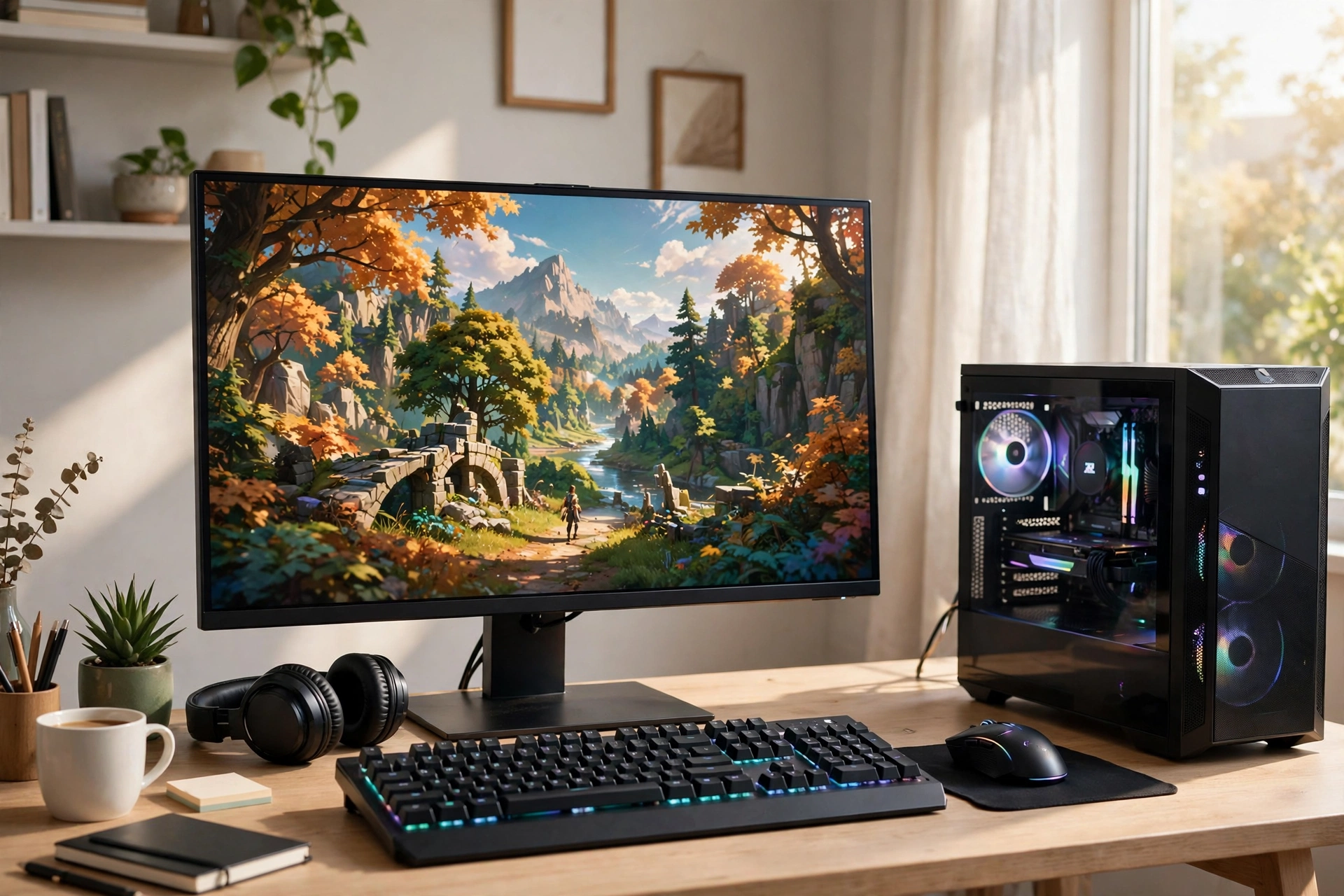
Gaming PC UK buyers who choose with care get a machine that lasts for years. Many first-time buyers feel lost, though. Graphics cards, processors, memory and storage all sound technical. Sellers push different models at widely different prices, so the choice feels harder. So this guide cuts through the noise. First, it explains what matters. Then it shows how to match a machine to your games and buy with confidence.
What Makes a Gaming PC Different?
In fact, a normal office computer handles documents, video calls and web browsing with ease. However, modern games draw detailed 3D worlds in real time, and they need strong graphics power to do it smoothly. In contrast, a gaming PC pairs a fast graphics card with a capable processor, plenty of memory and quick storage. As a result, games load faster, look sharper and run without stutter. The parts also leave room to grow. You can add memory or swap a graphics card later, so the machine stays useful for longer. In short, a gaming PC trades the slim design of an office machine for power and upgrade room.
Gaming PC UK: What to Look For First
Start with your games, then match the machine. For example, esports titles need far less power than big story-driven games. So a Gaming PC UK buyer who plays them can spend less. First, list the games you play most. Next, check what screen you use. Similarly, a basic 1080p screen needs far less graphics power than a sharp 1440p or 4K display. Finally, set a firm budget before you browse. A clear budget therefore stops you from paying for power you will never use.
The Graphics Card Matters Most
The graphics card draws every frame you see on screen. In fact, it decides how smooth games feel and how high you can push the detail settings. So put the largest share of your budget here. For example, a modest card copes well with light esports games. On the other hand, big modern games at high settings need a stronger card with more video memory. Also check what your monitor needs. A high-refresh screen rewards a faster card, while a standard screen does not. Remember that the graphics card also shapes how long the PC stays relevant. In the end, a stronger card today means fewer upgrades tomorrow.
Processor, Memory and Storage
The processor handles game logic, physics and background tasks. In fact, a modern mid-range processor suits most gamers well. Indeed, you do not need the fastest chip on the shelf. In addition, memory, or RAM, keeps your game and apps ready to use. First, aim for 16GB as a sensible starting point. Streamers and heavy multitaskers should consider 32GB instead. Storage also affects load times. For example, a solid-state drive (SSD) loads games far faster than an old hard drive. So choose at least 1TB of SSD space, because modern games take up a lot of room. Finally, cooling and power matter too. In addition, good airflow keeps parts cool and quiet, and a quality power supply protects your whole system.
Gaming PC UK Budget Tiers: Affordable Computers for Gaming
Affordable computers for gaming fall into three broad tiers. First, the budget tier suits casual players and esports fans. It handles popular competitive games at standard settings, and it also keeps costs down. Next, the mid-range tier suits most buyers. For example, it runs modern games at high settings on a 1080p or 1440p screen. It also leaves room for streaming or video work. Finally, the high-end tier suits players who want the best visuals. It powers 1440p and 4K play at high refresh rates, but it costs far more. So match the tier to your games, not to the biggest spec sheet. A mid-range machine often gives the best value, because it covers most games well without the premium price.
Gaming PC UK: Desktop or Laptop?
A Gaming PC UK buyer who travels often should look at laptops first. For a fixed setup, a desktop suits you better, though. In fact, desktops offer more power for the money. They also run cooler and let you upgrade parts one by one. On the other hand, laptops trade some power for portability. You can also carry one to a friend’s house, to university or on holiday. However, laptops cost more for the same speed, and upgrades stay limited. So ask yourself one question: will you game in one place, or on the move? Your answer then points to the right form.
When a Desktop Makes Sense
Choose a desktop if you have a fixed desk and a monitor. You get more speed for your money, and you can upgrade the graphics card later. Desktops also run quieter, because larger fans move air with less noise. In addition, repairs cost less, since you can swap a single part.
When a Laptop Makes Sense
Choose a laptop if you need to move around. For example, students, commuters and frequent travellers all benefit from portability. Modern gaming laptops handle most games well, though they run hotter and louder than desktops. Also check the screen, keyboard and battery before you buy. Indeed, a good screen matters as much as the parts inside.
Refurbished Gaming Laptops and PCs
Refurbished gaming laptops suit buyers who want strong specs for less money. In fact, a refurbished machine had a previous owner or served as a display model. The seller then tests it, replaces worn parts and sells it again. A gaming laptop refurb from a trusted seller can still cut the cost a lot. However, condition varies, so buy with care. First, always check the warranty length, the return policy and the battery health. A short warranty or no returns, however, should raise a warning flag.
What to Check Before You Buy Refurbished
First, buy from a known retailer or a certified refurbisher, not a random listing. Next, read the condition grade and ask what the seller tested. A good seller also lists the checks they ran. Also confirm the warranty covers at least several months. In the UK, consumer law gives you rights when goods arrive faulty, so keep your receipt and the seller’s terms. Finally, test the machine hard in the first days. Play your usual games, watch for overheating, and also check every port. If anything feels wrong, then return it within the return window.
Prebuilt or Build Your Own?
For example, a prebuilt PC arrives assembled, tested and ready to play. It suits first-time buyers who want a simple start. The seller also handles the warranty for the whole machine. Building your own PC, on the other hand, costs less for the same parts, and you choose every component. However, you take on the assembly, the testing and the fault-finding yourself. A first build can take a full afternoon, and one loose cable can stop the whole machine. So weigh your confidence against your budget. If you enjoy hands-on work, a self-build teaches you useful skills. If you want to play today, a prebuilt machine makes more sense.
Cloud Gaming: A Cheaper Way In?
Cloud gaming runs games on remote servers and streams them to your screen. You need a fast, stable internet connection, but you do not need a powerful PC. It works through software as a service, which means you pay for access rather than owning the hardware. As a result, you can play big games on a basic laptop or even a tablet. However, streaming adds a small delay, and fast competitive games suffer most. Picture quality also depends on your connection. So treat cloud gaming as a low-cost way to try games, not as a full replacement for a gaming PC.
Where to Buy a Gaming PC UK Shoppers Can Trust
When you buy a Gaming PC UK shops sell, check the warranty first. A clear warranty of at least a year shows the seller stands behind the machine. Next, read recent buyer reviews, not just the star rating. Look for comments about delivery, faults and after-sales help. Also compare the same model across two or three sellers. Big price gaps often hide missing parts or weak warranties. Finally, keep your receipt and the seller’s terms. If the machine arrives faulty, UK consumer law gives you the right to a repair, replacement or refund. A careful buyer checks all of this before paying, not after.
Gaming PC UK Buying Mistakes to Avoid
Do not buy on graphics card alone. The processor, memory and storage all shape the experience. Also avoid the cheapest power supply you can find. A weak power supply can fail and take other parts with it. Another common mistake is ignoring the monitor. A top-tier PC gains nothing on an old low-resolution screen. Finally, do not skip the warranty check. A cheap deal with no warranty costs more when something breaks.
FAQs
What is the best Gaming PC UK beginners can buy?
A mid-range prebuilt desktop suits most beginners. It runs modern games well, arrives ready to play, and leaves room to upgrade later. Start with your games and your screen, then pick the tier that fits.
Do refurbished gaming laptops offer good value?
Yes, if you buy from a trusted seller. Check the warranty, the return policy and the battery health first. A good refurbished laptop can save you a lot, but a bad one costs more in repairs.
How much RAM do I need for gaming?
Aim for 16GB as a starting point. It handles most games and everyday multitasking well. Choose 32GB if you stream, edit video or run heavy apps beside your games.
Is a gaming laptop or a desktop better?
A desktop gives you more power for your money and easier upgrades. A laptop wins on portability. Pick the form that fits where and how you play.
Can I play games without a gaming PC?
Yes. Cloud gaming streams big games to a basic laptop or tablet. So you need a fast connection, not a powerful machine. It works well for casual play, though competitive games feel the delay.
Take your time, compare two or three options, and check the warranty before you pay. Your Gaming PC UK purchase should then serve you well for years.